For years I treated photo and file backup as a choice between two camps. One side said everything should live in the cloud so it is available anywhere. The other side said an external drive on a shelf is the only copy you truly control. Both positions contain truth. Neither is complete for a normal adult life that includes travel, limited free time, and a phone that fills with images every week.
I eventually stopped arguing with myself and built the smallest system that actually survived contact with a busy schedule. This is that system.
What Each Option Does Well—and Where It Fails
Cloud backup shines at automatic, continuous protection and at restoring a single file from anywhere. It fails when the subscription lapses, when the service changes terms, or when you need a large restore and the network is slow or expensive.
An external drive shines at holding a full, offline copy that no one can alter remotely. It fails when you forget to plug it in, when the drive itself fails, or when you are away from home and the only current copy is still on the phone.
The practical conclusion is that most people need a version of both, but not the full enterprise version of either.
The real goal for a busy adult
Not perfect redundancy. Just enough protection that a lost phone, a failed laptop, or a locked cloud account does not erase months or years of photos and documents that cannot be recreated.
Minimum Effort: The Setup I Recommend First
This is the version I would hand to a friend who has limited patience and a phone full of family pictures:
Turn on the automatic cloud backup that already comes with the phone.
iCloud Photos, Google Photos, or the equivalent. Let it run on Wi-Fi. Confirm once that recent images are actually appearing in the cloud library.Add one external drive and a simple manual copy once a month.
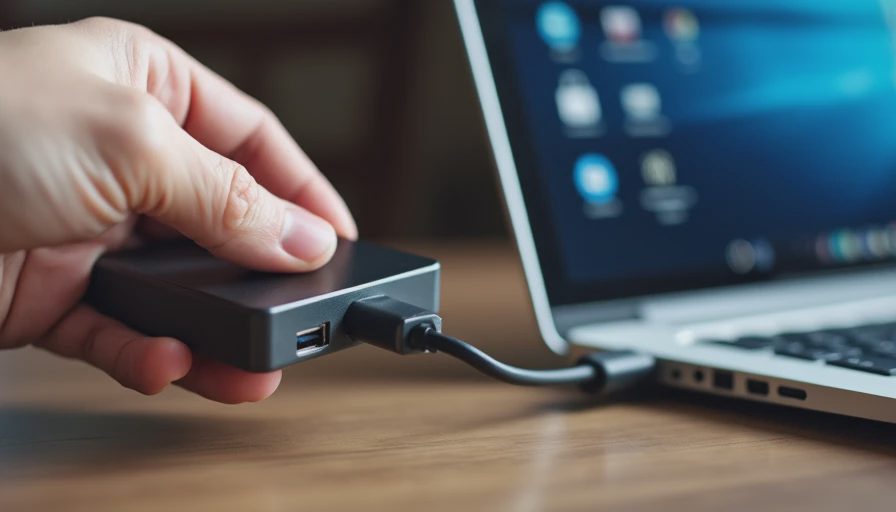
A single reliable drive is enough. Plug it in, copy the photo library folder (or use the phone maker’s simple transfer tool), eject it, and put it back on the shelf. Set a recurring calendar reminder so the step does not depend on memory.Keep the drive offline when it is not being used.
It does not need to stay connected. Its job is to be a second, independent copy, not a continuous mirror.
That combination—automatic cloud for day-to-day protection plus one offline copy for deeper failure—covers the majority of real losses without requiring constant attention.
What you can skip at the beginning
You do not need multiple cloud providers, RAID arrays, versioned file systems, or daily automated drive backups. Those solutions solve problems most busy adults never encounter. Start with the two-copy baseline and only add complexity if a specific failure shows you need it.
If You Want to Go Further
Once the minimum setup is running reliably, these additions raise the floor without turning backup into a hobby:
Make the monthly drive copy include the handful of document folders that would be painful to lose (tax records, scanned IDs, important PDFs). Photos are usually the largest volume; a few critical documents are the highest consequence.
Once a year, test a restore. Download a photo from the cloud to a different device and open a file from the external drive. A five-minute test confirms both paths still work.
If you travel often, keep a small second drive or a large USB-C SSD that can receive a quick copy of recent photos before a long trip. It stays in the travel bag and returns to the shelf afterward.
Consider a second cloud location only if the primary cloud holds irreplaceable work files or if you already pay for a service that makes the extra copy trivial.
Each of these steps is optional. They address less common but higher-impact failures.
A note on encryption and theft
An external drive on a home shelf is mainly protection against hardware failure and cloud-account problems. If theft or physical loss of the drive is a realistic concern, use the drive’s built-in encryption or an encrypted disk image. For most people the bigger risk is simply never making the copy in the first place.
What I Actually Run
My current system is deliberately unexciting:
Phone and laptop back up continuously to one cloud service.
One external drive receives a manual copy of photos and a few document folders roughly once a month.
A second, smaller drive travels with me on longer trips and holds only the recent photo dump.
No additional services, no continuous drive syncing, no complex software.
It has survived a lost phone, a failed laptop drive, and several years of ordinary use. The cloud copies restored the day-to-day files quickly. The offline drive meant I never depended solely on a single company’s continued good behavior.

The Next Thing
Open the cloud photo service that already comes with your phone and confirm that the most recent images have finished uploading. Then put a recurring monthly reminder on your calendar labeled “plug in the backup drive.” Those two actions create the baseline that stops most real losses.
You don’t have to do everything. Just do the next thing.


No notes yet — be the first to inscribe one.