
Airport lounges, hotel lobbies, café counters, and conference centers all offer the same convenience: a network that is already on and already open. They also offer the same quiet uncertainty. Who else is on this network, and what can they see?
I used to treat every public Wi-Fi connection as a high-risk event. I ran a VPN the entire time, avoided every sensitive login, and still felt mildly uneasy. Over time I noticed that the elaborate precautions cost more attention than they saved, and that a shorter, more realistic set of habits handled the actual risks I encountered.
This is the practical version I use now.
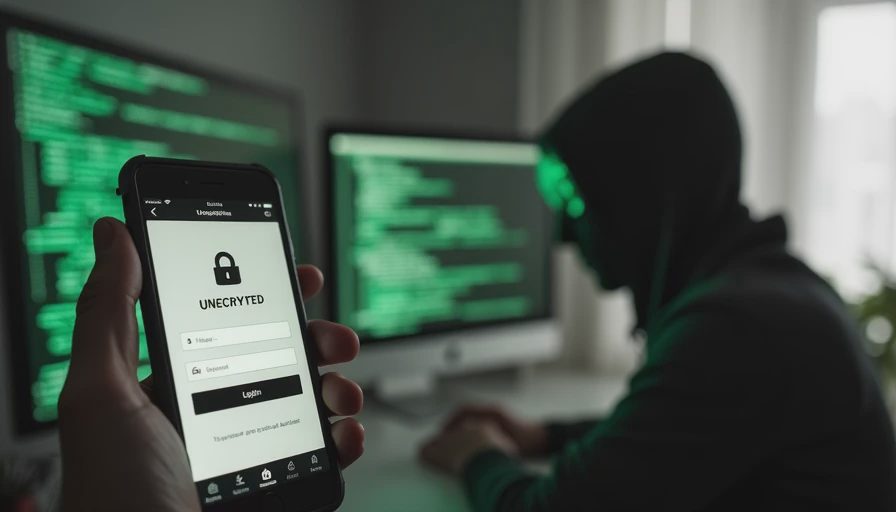
What Public Wi-Fi Actually Exposes
On an open or lightly secured network, other users or a compromised access point can sometimes:
Observe unencrypted traffic
Attempt to intercept connections that do not use HTTPS
Probe devices for open shares or outdated services
Modern phones and browsers have already closed many of the easiest paths. Most websites and apps force encrypted connections. Operating systems limit what a neighboring device can reach. The remaining risk is real but narrower than the older advice often suggests.
The situations that still deserve care
Logging into email, banking, or work accounts on a network you do not control
Entering passwords on sites that do not show a proper security indicator
Leaving file sharing, remote access, or developer services running while connected
Everything else is usually lower priority for a short personal session.
Minimum Effort: The Habits I Keep
These four practices cover the majority of ordinary public-Wi-Fi use without requiring constant extra software:
Prefer cellular data for anything sensitive when the signal is usable.
A short email check or banking confirmation is often faster and cleaner over the phone’s own connection than over the local network.Confirm the browser shows a secure connection before entering credentials.
The padlock or “HTTPS” indicator is still the fastest visual check that the session itself is encrypted.Avoid public Wi-Fi for the initial setup of new devices or password changes.
Those moments create long-lived credentials; they are worth doing on a network you trust.Turn off automatic connection to open networks.
Most phones let you disable auto-join for public or unsecured networks. Manually choosing the network keeps you from attaching without noticing.
That is the entire minimum-effort set. It requires no paid tools and no permanent configuration changes.
What I stopped doing
I no longer run a VPN for every café visit. I no longer refuse to open ordinary websites on hotel Wi-Fi. I no longer treat a five-minute map check or weather lookup as a security decision. The attention those habits consumed was better spent on account recovery options and unique passwords—the controls that protect against the failures that actually occur.
If You Want to Go Further
When you travel frequently, work from shared spaces, or must access sensitive systems on networks you do not control, these additional steps are the ones I consider worth the cost:
Use a reputable VPN for the duration of the sensitive session, then turn it off. Continuous always-on use is rarely necessary for personal accounts.
Keep the phone’s firewall or stealth-mode settings enabled if the operating system offers them. They reduce casual probing from other devices on the same network.
On a laptop, disable file sharing and any remote-access services before joining a public network. Re-enable them when you return to a trusted connection.
Consider a small personal hotspot device or the phone’s built-in hotspot when the work justifies a cleaner connection and cellular data is available.
These measures are situational. They earn their place when the alternative is repeated exposure of high-value logins on networks you cannot assess.
A note on “free airport Wi-Fi”
The network that requires only an email address or a room number is still a shared network. Treat it the same way you treat any other public access point: cellular for sensitive tasks when possible, HTTPS confirmation for everything else, and no assumption that the operator has locked down every other user.

What I Actually Do on the Road
My current default is simple. If the task is sensitive and cellular is usable, I stay on cellular. If I need the higher bandwidth of the local network for ordinary browsing or large downloads, I join it, confirm HTTPS where credentials are involved, and leave the VPN off unless the session is both sensitive and prolonged. The approach has been stable across several years of travel and has not produced any incidents I could trace to the network itself.
The bigger risks remain the same ones I manage at home: reused passwords, outdated recovery emails, and login alerts that go unnoticed.
The Next Thing
On your phone, open the Wi-Fi settings and disable automatic connection to open or public networks if that option is available. That single change prevents the device from joining networks without your awareness and removes one of the easiest ways a public connection becomes an accidental one.
You don’t have to do everything. Just do the next thing.


No notes yet — be the first to inscribe one.